E-Rechnung Professionell
Download E-Rechnung Professionell
Same installer for the trial, a shop purchase, KeyCard and USB stick. Single-seat licence for one workplace. The file does not contain a personal licence code.
Live try-out
7-day trial without a licence code
This is the live demo: the real desktop app on your computer. No browser applet. Start without a code — for 7 days you can write invoices with a trial watermark. After that, writing is locked until you enter a licence.
- 1. Download for Windows or macOS.
- 2. Install and open the program on this one computer.
- 3. In Help → Licence choose “Start trial” (or leave the code empty in the setup wizard).
Trial PDFs carry a watermark and are not for redistribution. No account sign-in inside the software.
What you will see
UI overview of the four main parts — same screens as in the trial.
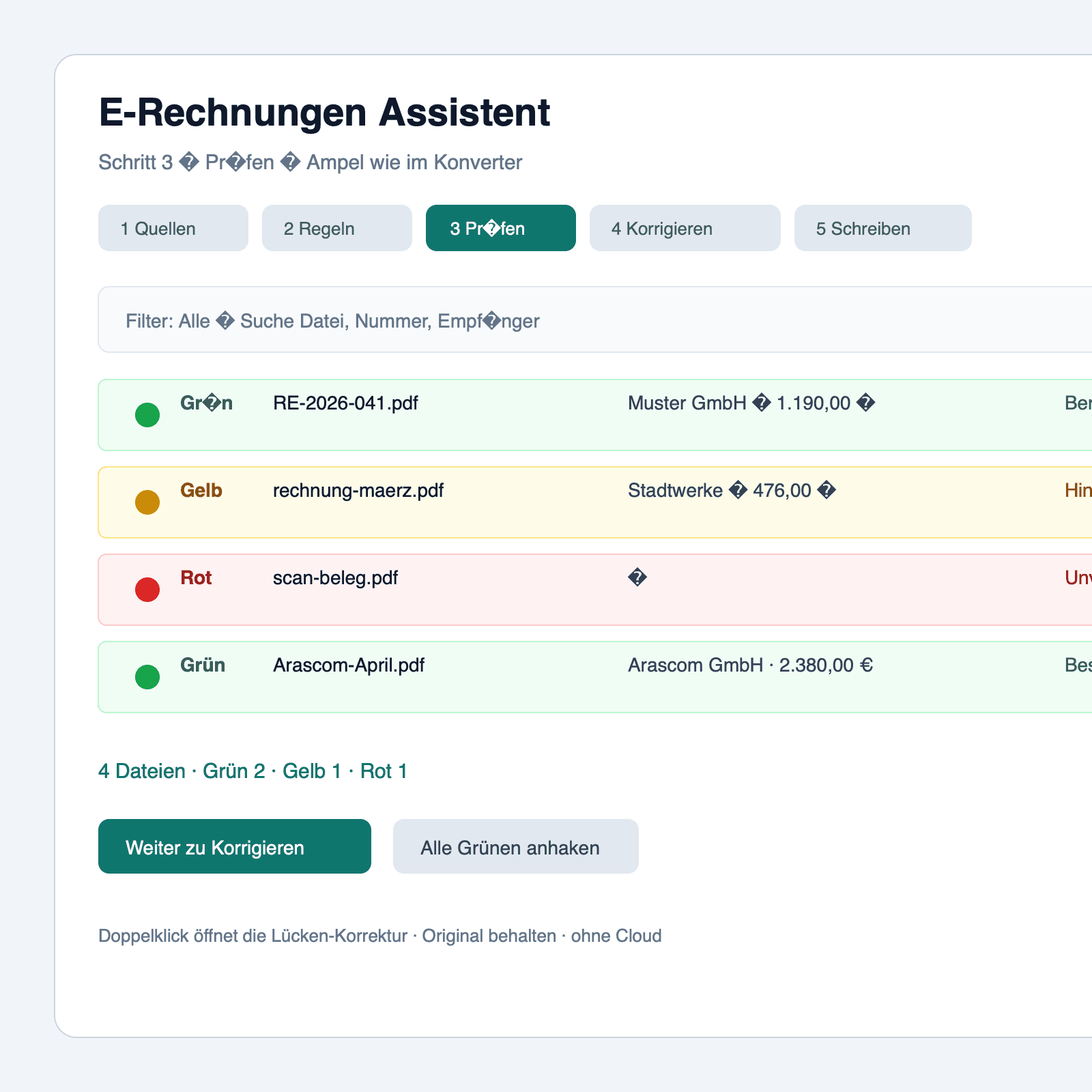
Assistent
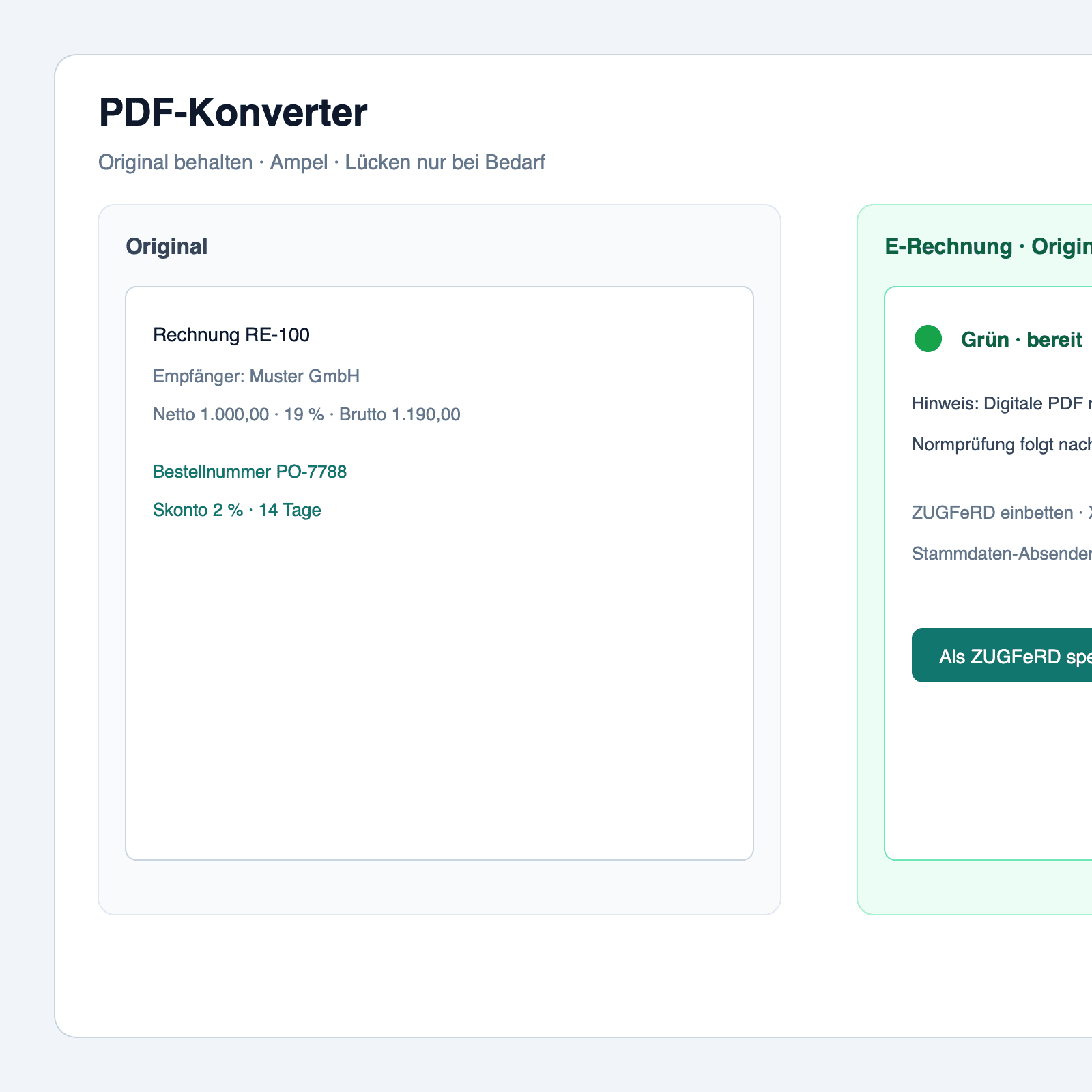
Konverter
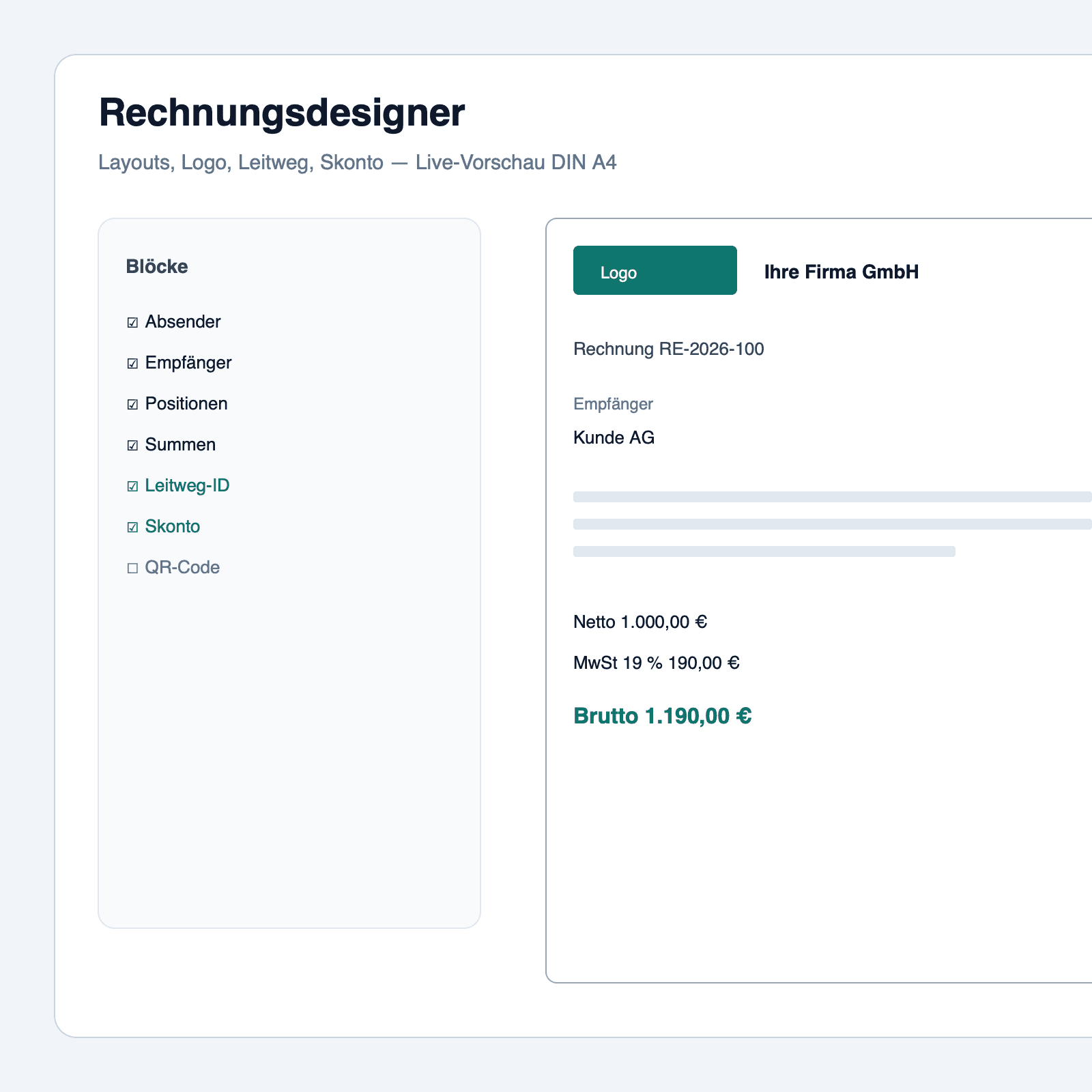
Designer
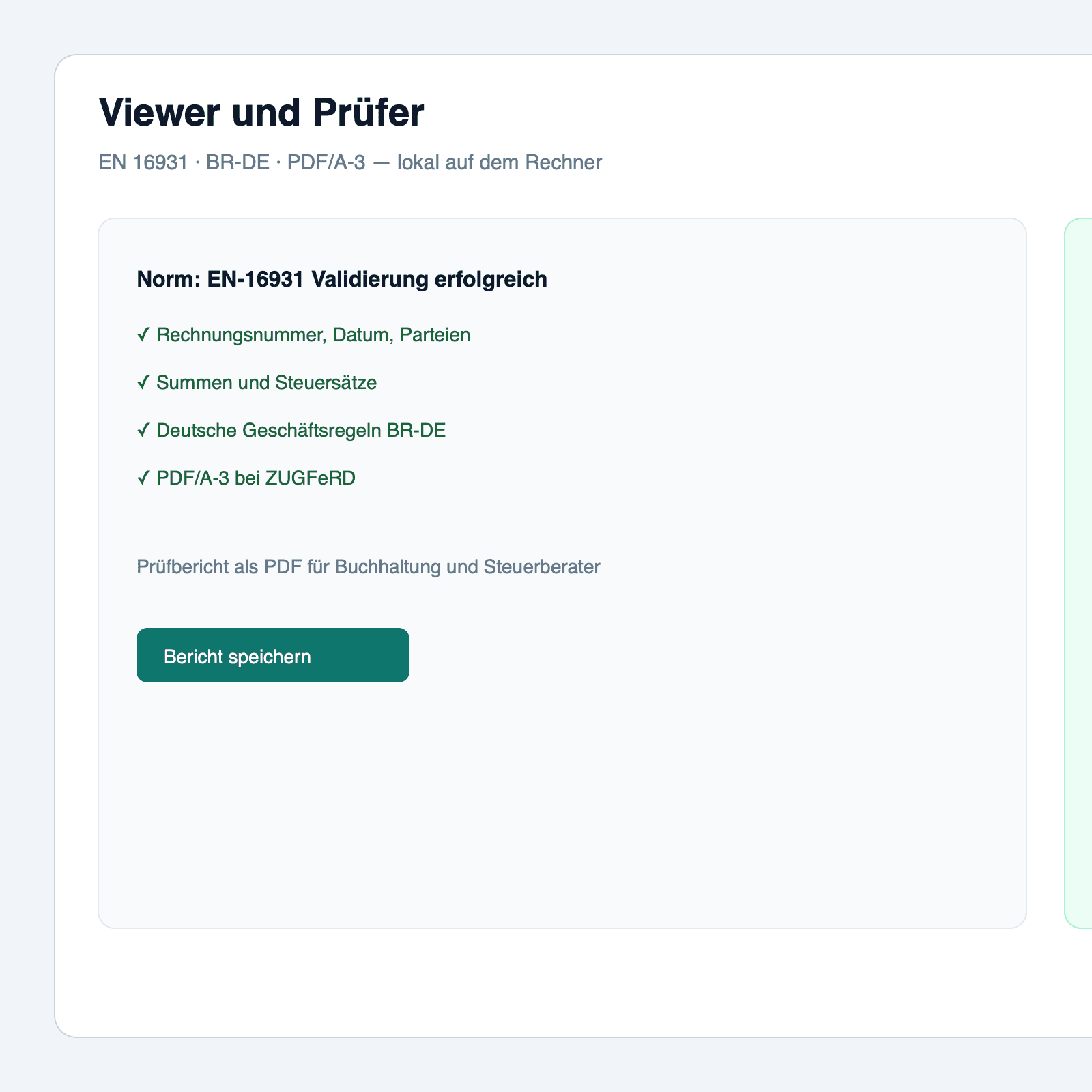
Prüfer
After purchase
- 1. Download the same program for Windows or macOS.
- 2. Install it and open it on this one computer.
- 3. Enter the licence code from the email, under the KeyCard scratch panel, or from the USB package card.
The download needs no sign-in inside the program. After a shop purchase the code is under Account → Licences. The licence covers one workplace.
Previously purchased KeyCard licenses remain valid.
See the single-seat licence in the shop